 Kindred
Add it once. It’s on both your phones.
Kindred is a free iPhone app for couples. Share the groceries, split the chores and plan dinner together. Try it below. Check off Oat milk on Maya’s phone and watch Theo’s.
Try it on Maya’s phone
Tap a line to see where. It gets ticked when you do it.
Nothing has changed here yet.
Maya and Theo are sample people, and this preview runs in your browser. In the app, iCloud carries each change to the other phone.
For both of you.
Groceries that land on both phones, chores you split between you, tonight’s dinner, and a night out you both said yes to. Every screen in the film is the real app with sample people.
One list, in both your colors.
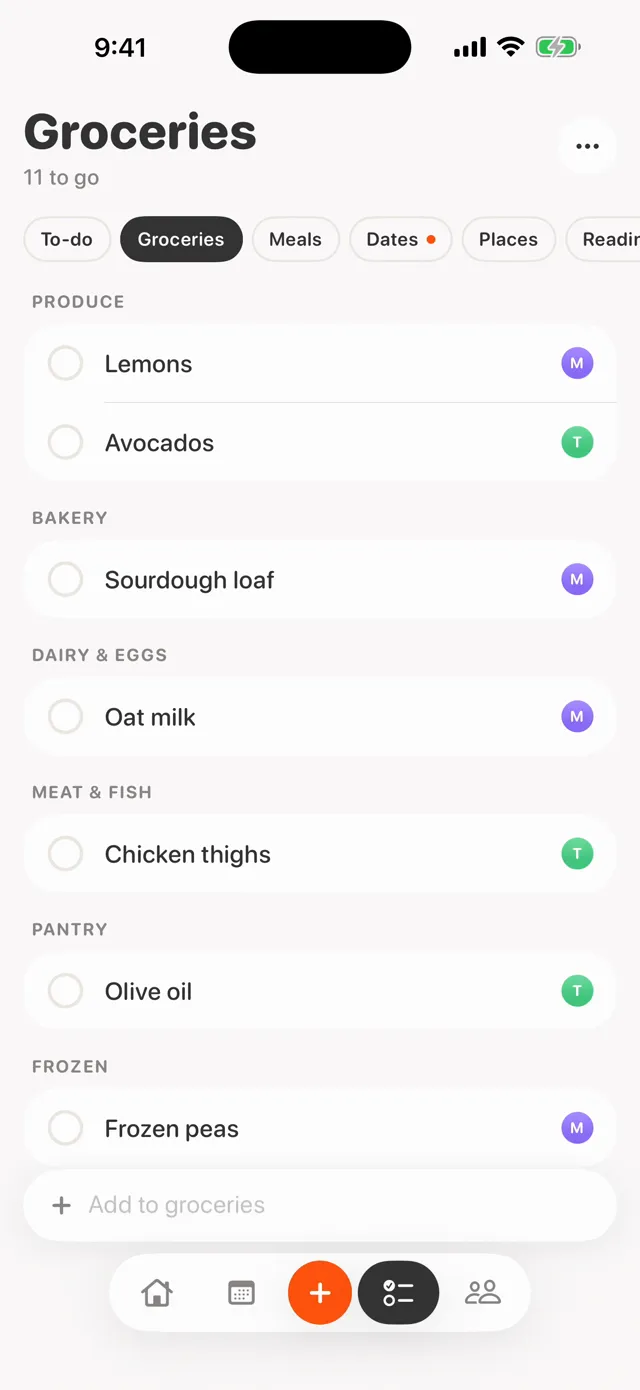
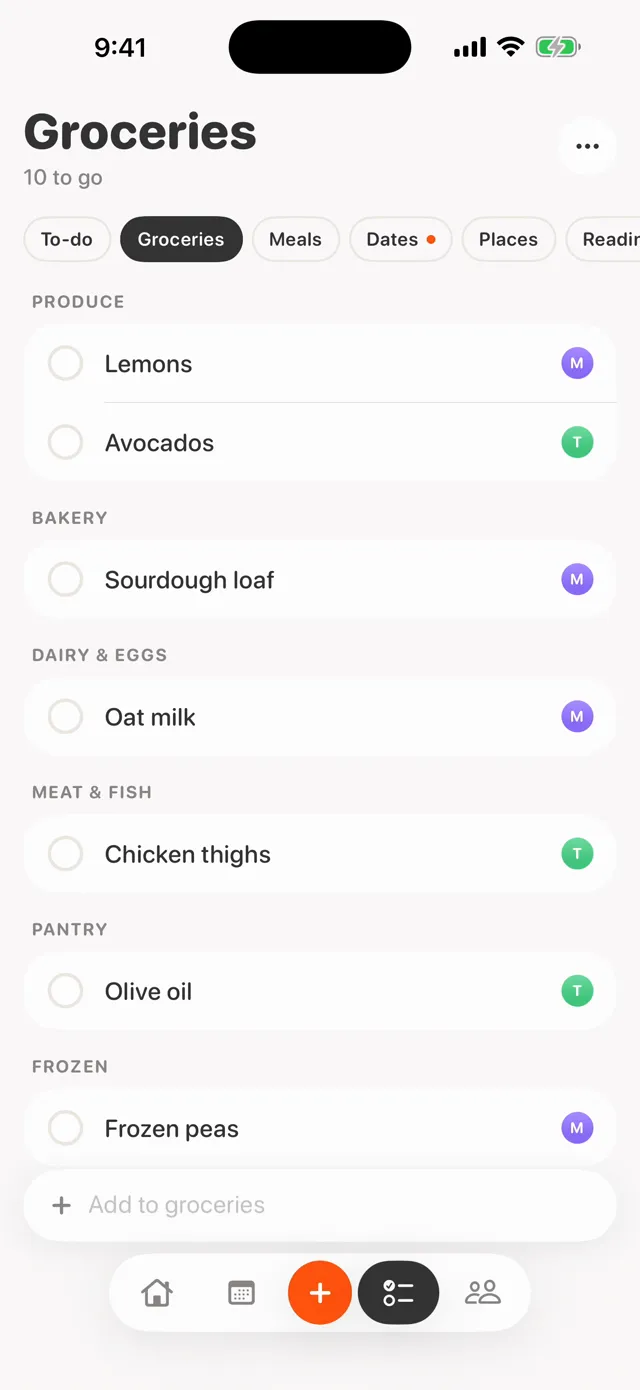
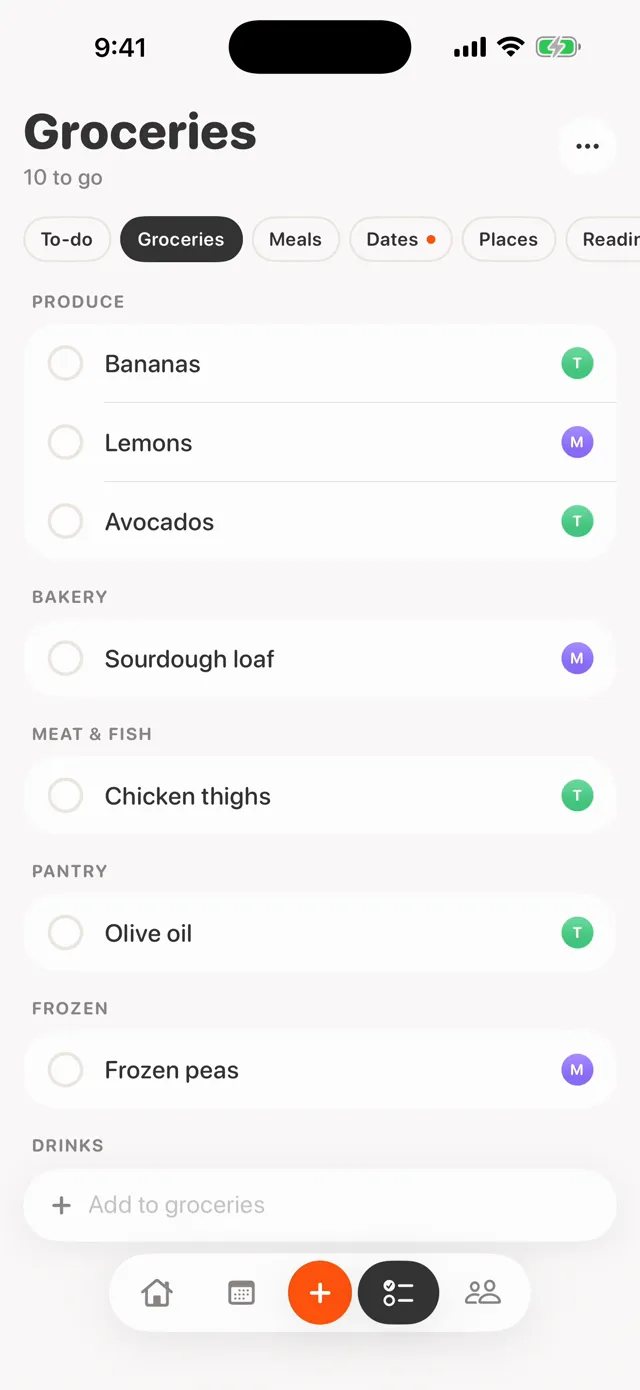
Maya adds oat milk and it shows up on Theo’s phone a moment later. Every item keeps the color of whoever added it, so you can tell at a glance who asked for what.
Check something off at the store and it’s checked off at home too. Delete something by mistake and it waits 30 days in Recently deleted.
Add with Siri, Apple Watch or Messages.
Say “Add to our groceries in Kindred” and tell Siri the item. Dictate it on your Apple Watch, or add it from Kindred in the Messages app drawer.
Whoever is out can add to the list without opening the app, and it lands on the other phone in their color.
- Siri
- Apple Watch
- Messages
Split the chores. Kindred remembers.
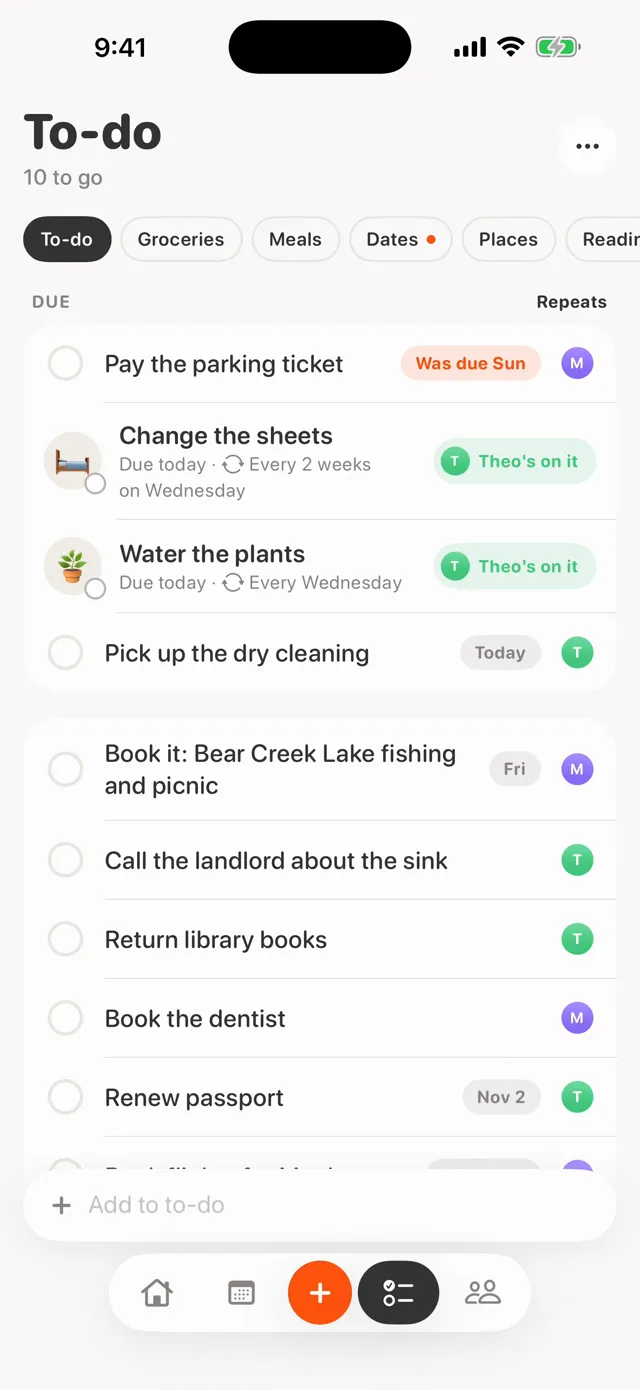
Make any to-do repeat every day, every week, every two weeks or on a day of the month. When it’s due, it’s back on the list for both of you.
Tap “I’m on it” and the other phone says so, so the recycling goes out once. You both get a reminder until it’s done.
Know what’s for dinner.
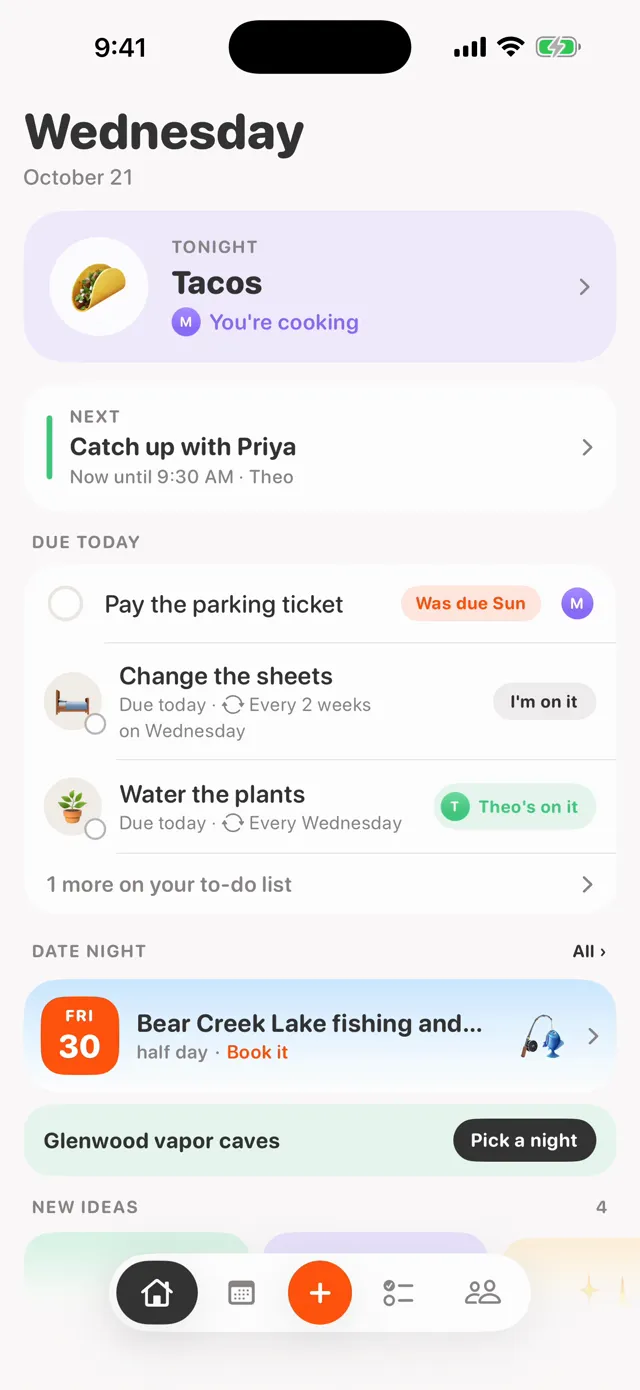
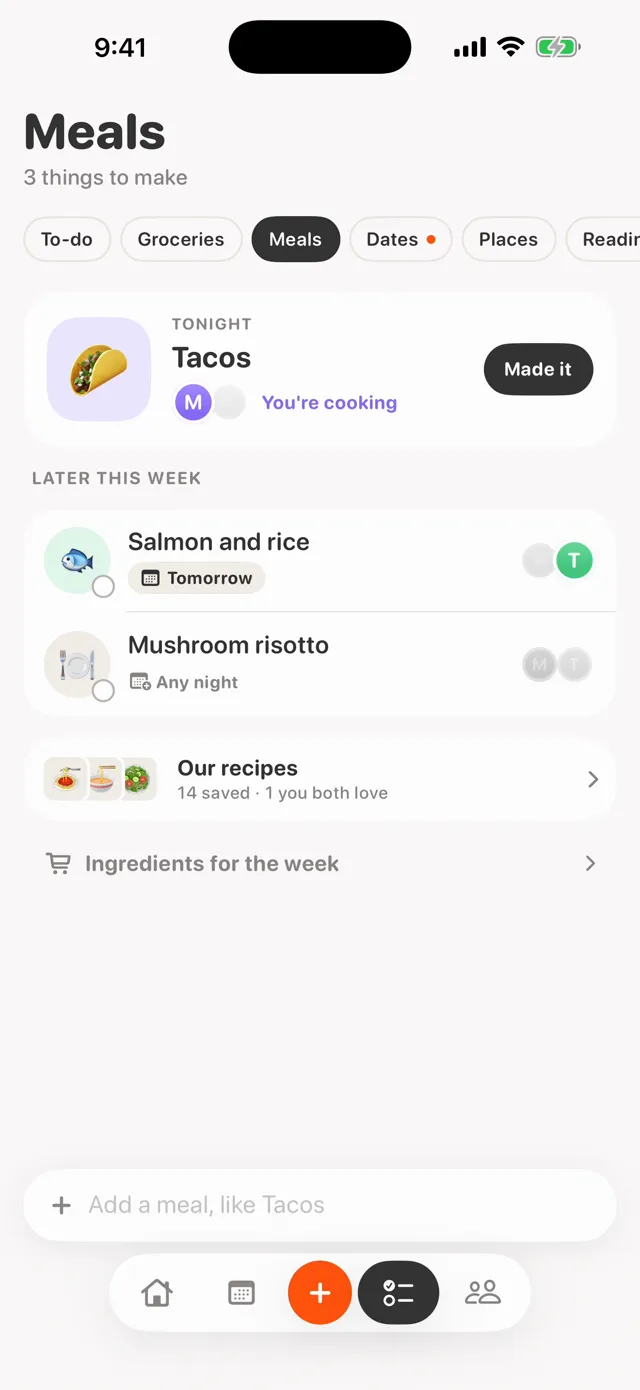
Plan the week’s meals together and pick who’s cooking. One tap sends the week’s ingredients to the grocery list.
Tonight’s dinner sits at the top of Home and on a Home Screen widget. Or ask Siri, “What’s for dinner tonight in Kindred?”
And find a night that’s just yours.
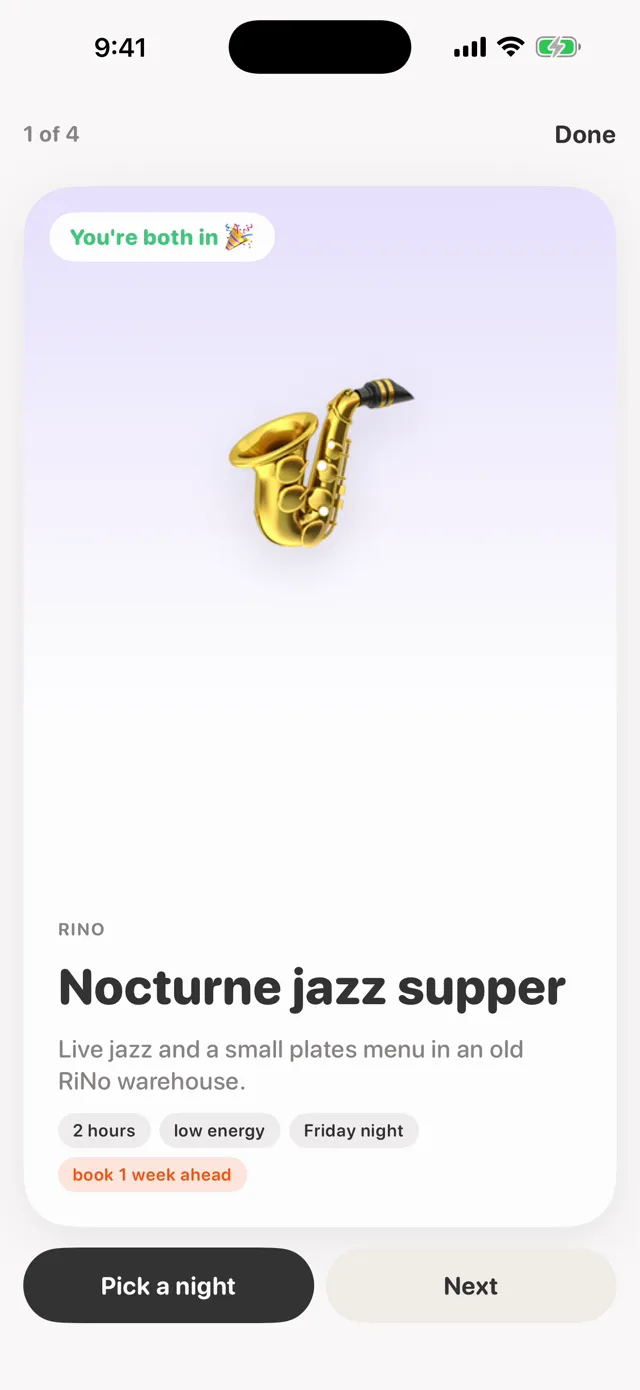
Save a restaurant or a trip from any app, or type a date idea into Kindred. You each answer I’m in, Maybe or Not now, and your partner’s answer stays hidden until you’ve given yours.
When you’re both in, Kindred offers the evenings you’re both free first.
Both your days
Your calendars side by side on one day, in your colors. You choose whether your partner sees the details or just “busy”.
Nudges
Send a quick “grabbing tacos?” that arrives as a notification and sits on their Home Screen widget.
Widgets
Your partner’s photo on your Home Screen, tonight’s dinner and today’s list at a glance.
Private to the two of you
Kindred has no server of its own and no account to make. Everything you add lives in your own iCloud and is shared only with your partner.
- No ads and no tracking. Kindred collects no data about you.
- The developer can’t read your lists or nudges. Nudges are end-to-end encrypted.
- Uses the iCloud you’re already signed in to. Read the privacy policy.
Before you download.
- How much does it cost?
- Kindred is free. Sharing with your partner is free too, and nothing is locked behind a subscription.
- What do we need?
- Each of you needs an iPhone on iOS 18 or later, signed in to iCloud. Apple Watch is optional and needs watchOS 11 or later.
- What if only one of us uses it?
- Kindred works on one phone, so you can start alone and invite your partner later. When they join, what you’ve added moves into your shared lists. A partner who rarely opens apps can still add things with Siri, Apple Watch or Messages.
- Who can see our lists?
- Only the two of you. There’s no account and no Kindred server, and the developer can’t read your lists or nudges. The privacy policy has the details.
- When can we get it?
- Kindred comes out on the App Store on November 4, 2026. You can use it now through the TestFlight beta, Apple’s app for trying apps before release.
Kindred. For both of you.
Free on iPhone, todayJoin the beta on TestFlightOpens in Apple’s TestFlight app. Kindred comes to the App Store on November 4.